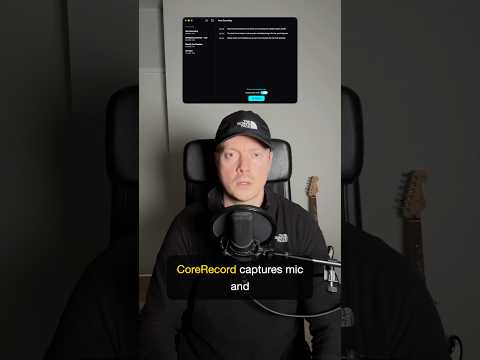
CoreRecord captures mic and system audio in one Mac session. Sync runs on native macOS audio taps so microphone input and desktop audio record together.
One tap starts recording in your local session. Stop saves the file on your Mac. Mic and system capture are free in the app. This clip opens the three-part CoreRecord short series before live transcription and optional summaries stack on the same capture path.
Key Takeaways
- Dual capture: Mic and system audio share one timeline for meeting playback and downstream on-device workflows.
- Native taps: Alignment comes from macOS audio capture APIs, not a cloud relay or manual merge step.
- Simple controls: Start and stop recording in-app; files land locally on the Mac.
- Free tier: Mic plus system capture ships without a paywall on the capture path shown here.
- Next in series: Part 2 live transcription and Part 3 Private Cloud Compute summaries on the same local session.
Get CoreRecord for Mac from the product page.